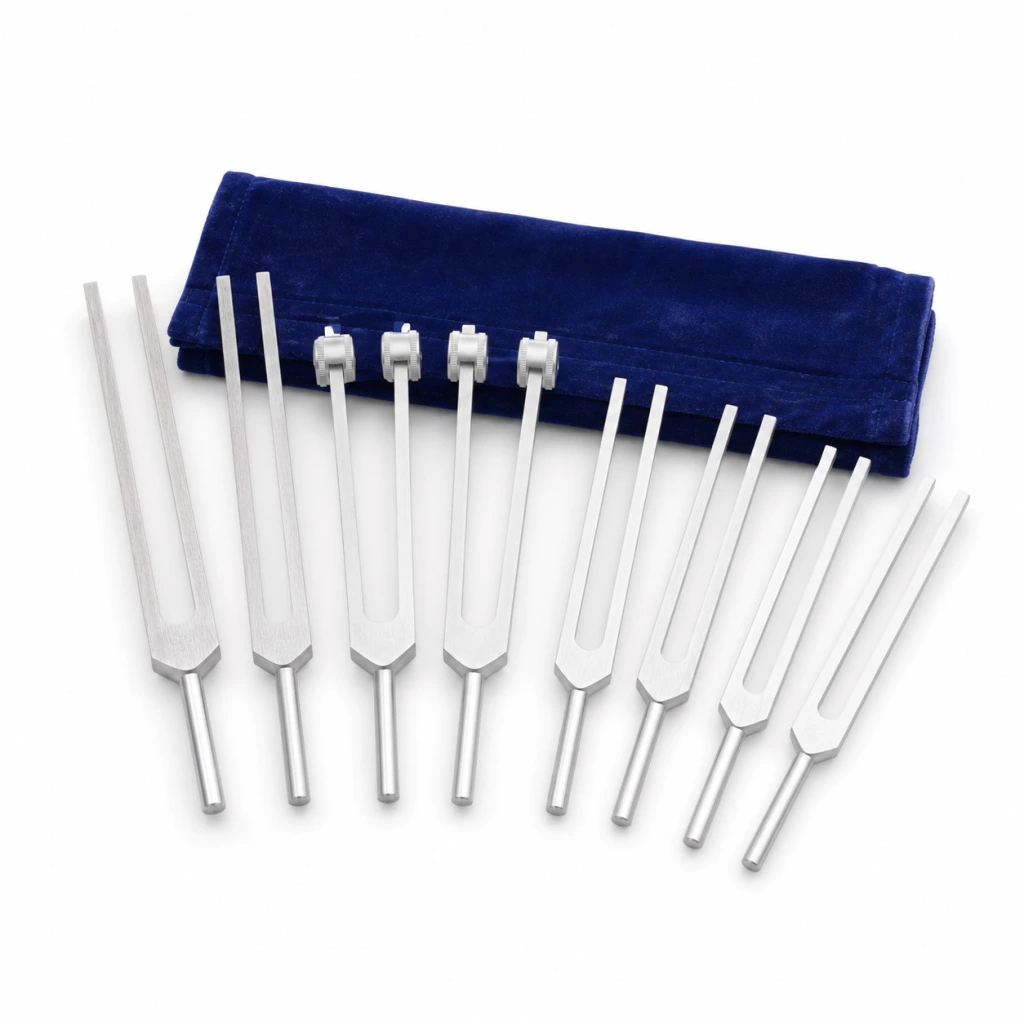


Hold by the handle
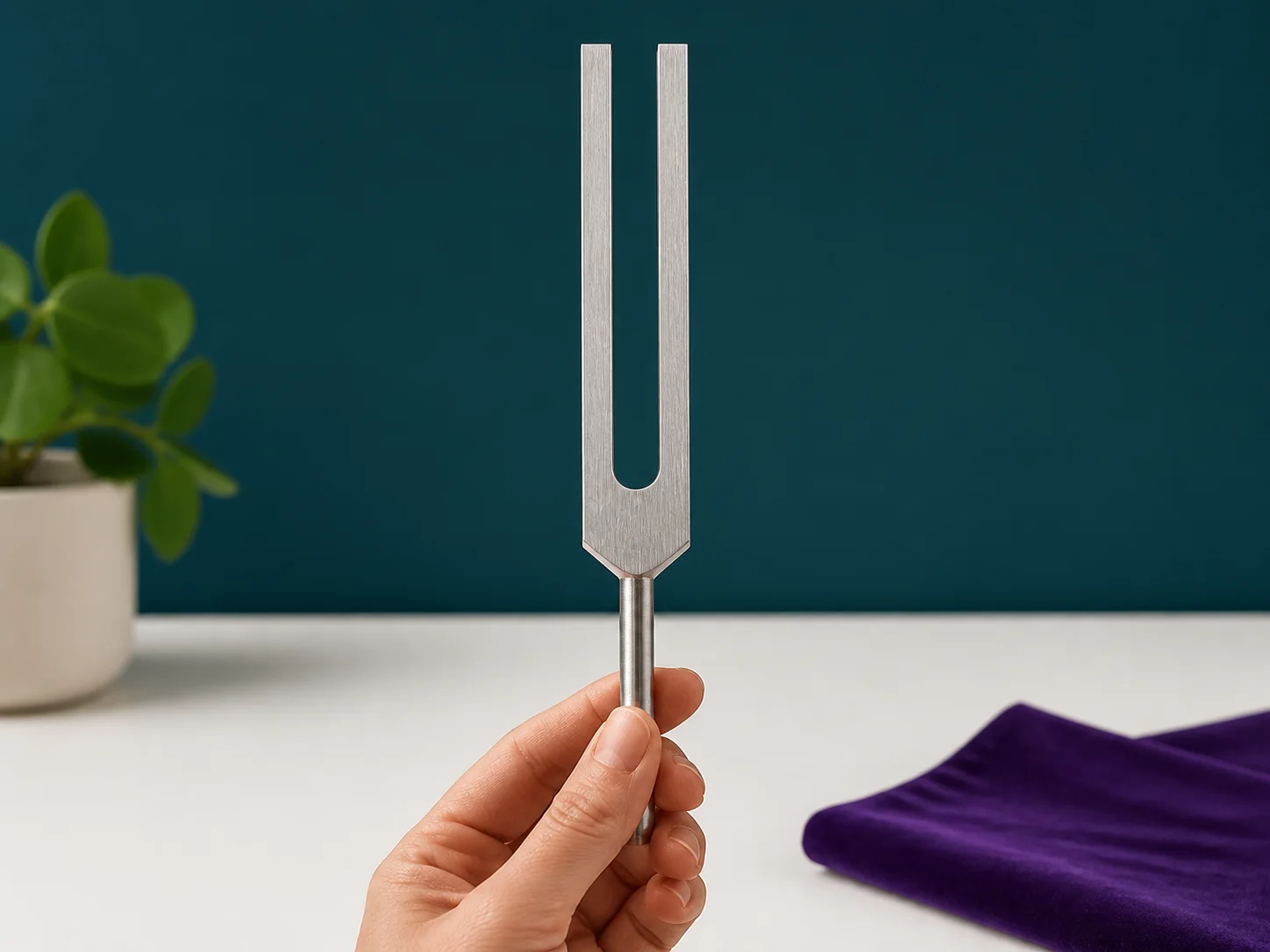
Wrap your fingers around the smooth cylindrical handle. Keep both prongs free so they can vibrate without being dampened.

Instrument Catalog
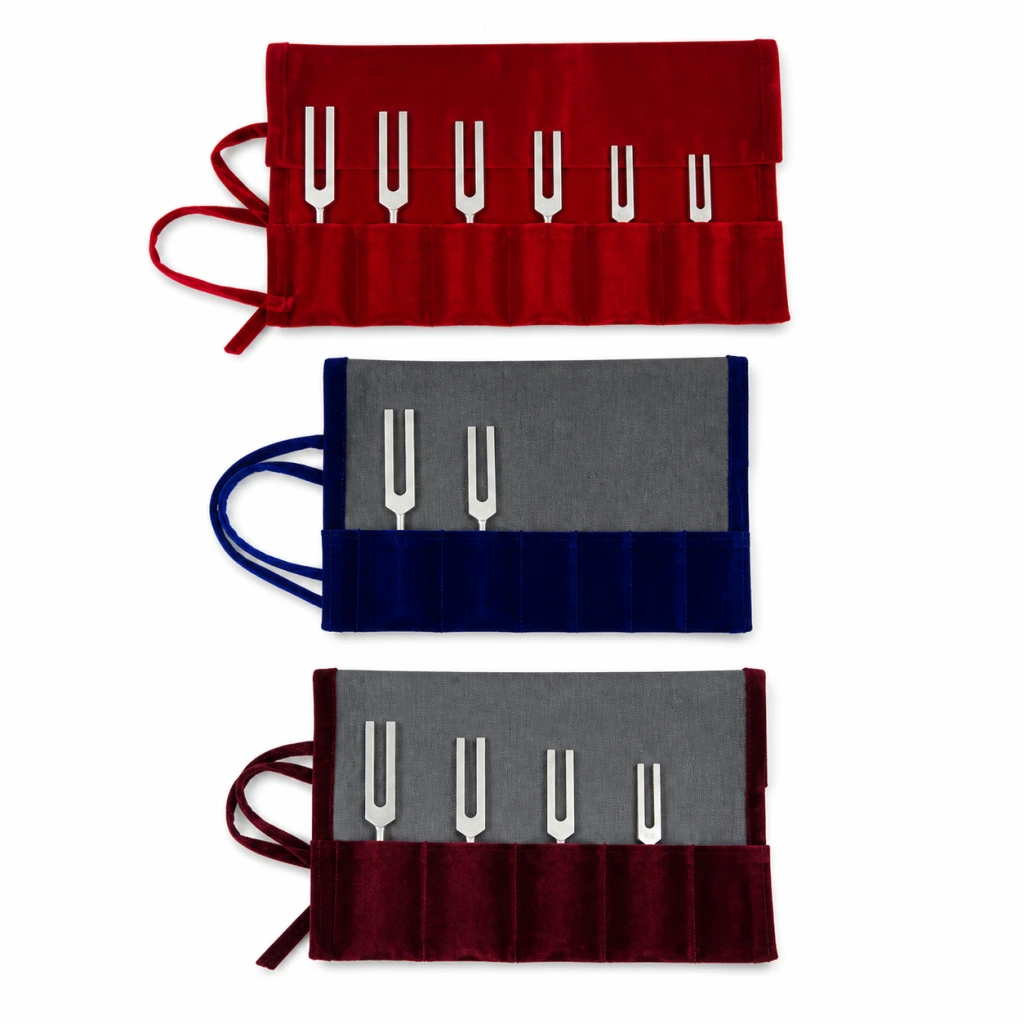
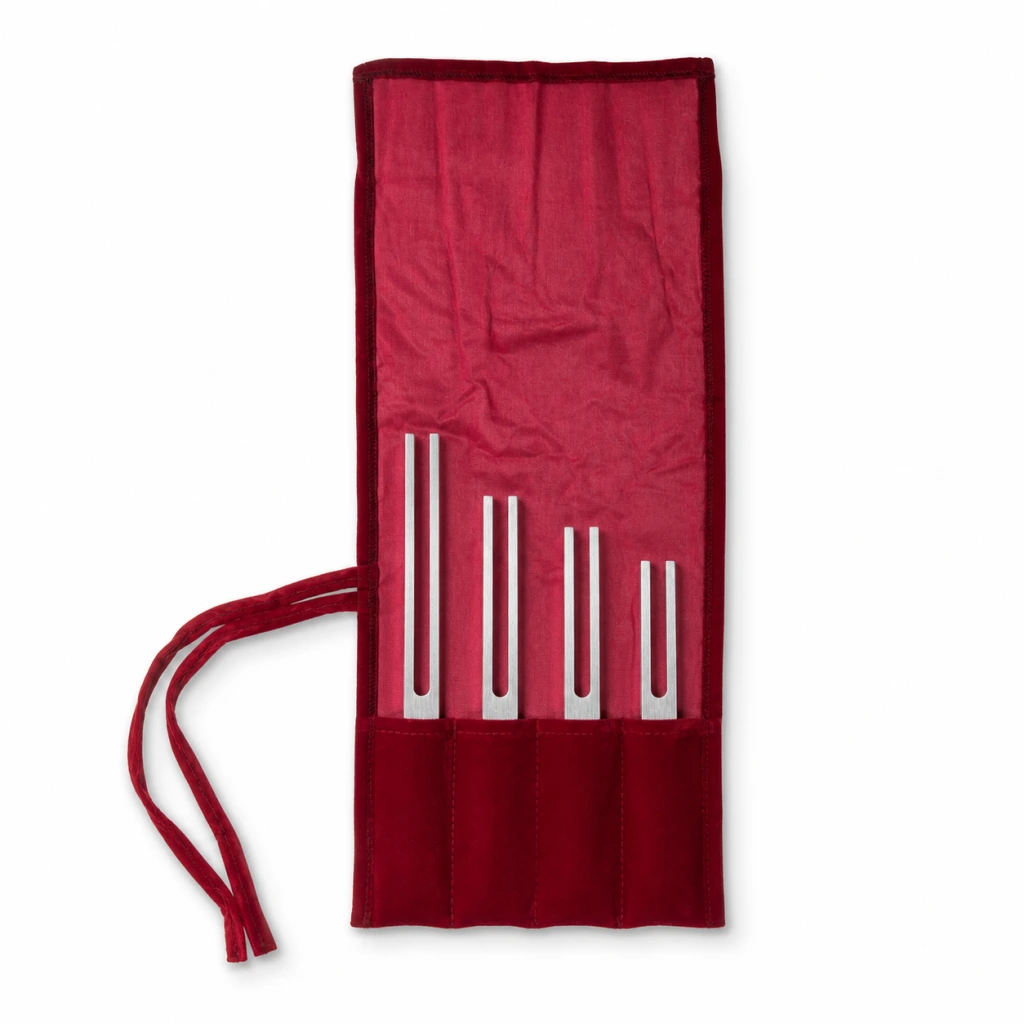
Use the catalog to compare tuning forks, starter sets, Crystal Gem Feet, books, downloads, and accessories. Explore frequency notes, use cases, kit contents, demo media, and class recommendations alongside the catalog.
Beginner's Sets

Books
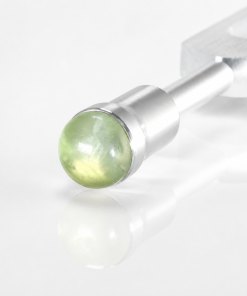
Crystal Gem Feet
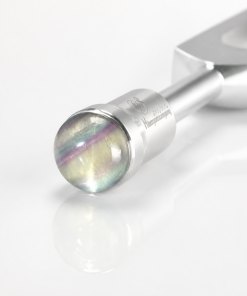
Crystal Gem Feet
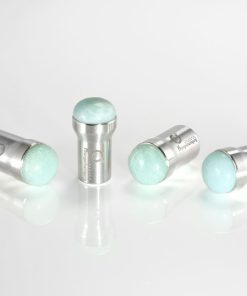
Gem Foot- “Rainbow Fluorite” (15mm) (does not include Otto Tuner)
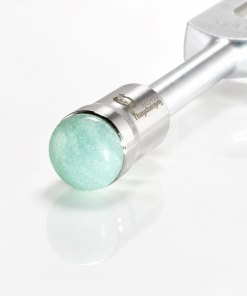
Crystal Gem Feet
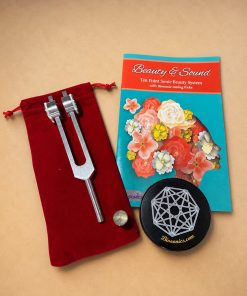
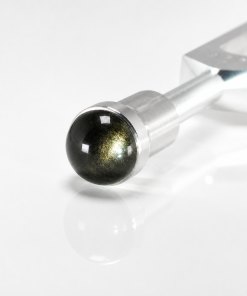
Crystal Gem Feet
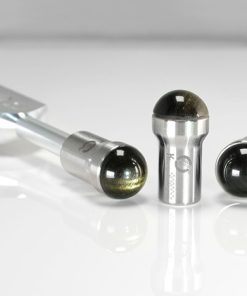
Gem Foot- “Gold Obsidian” (15mm) (does not include Otto Tuner)
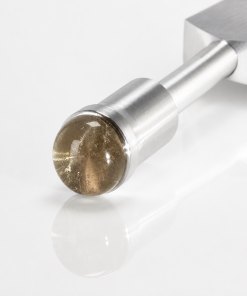
Crystal Gem Feet
Gem Foot- “Smoky Quartz” (15mm) (does not include Otto Tuner)
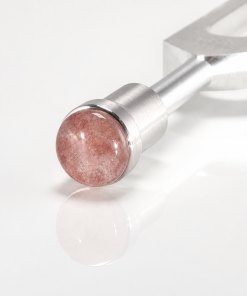
Crystal Gem Feet
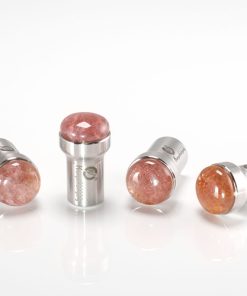
Gem Foot- “Strawberry Quartz” (15mm) (does not include Otto Tuner)

Beginner's Sets
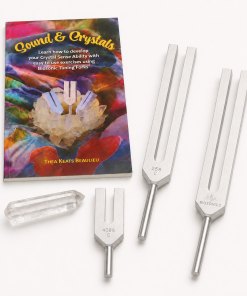
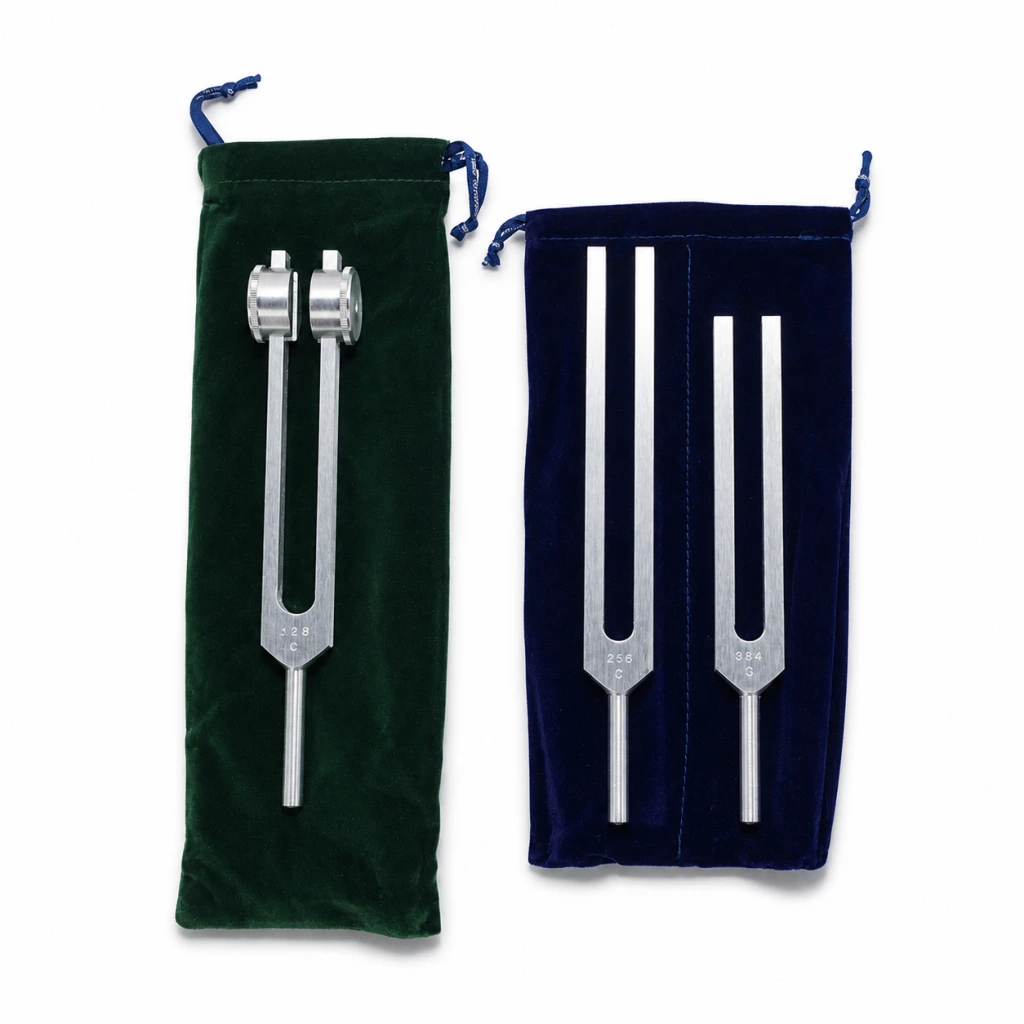
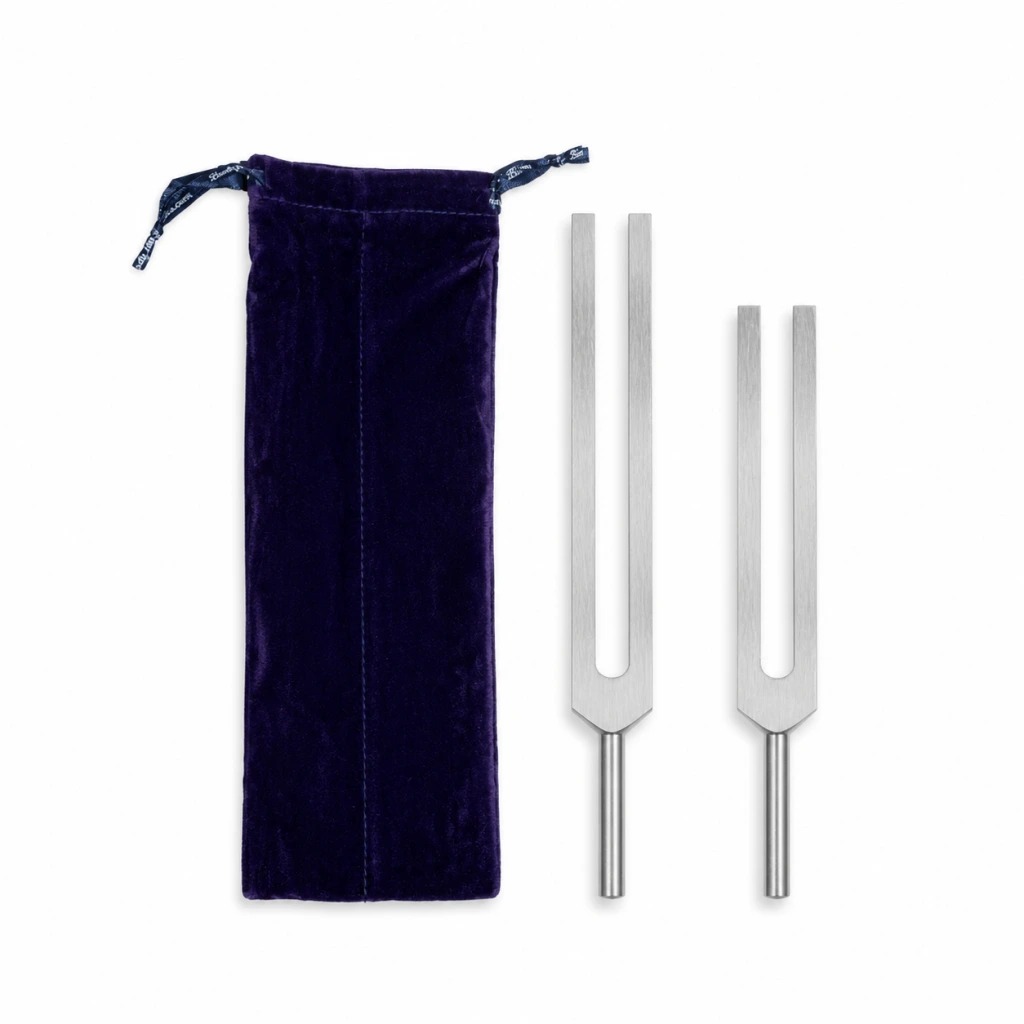
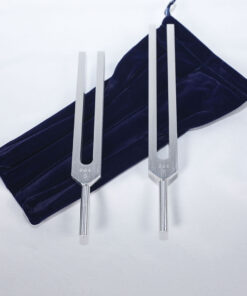
Body Tuners
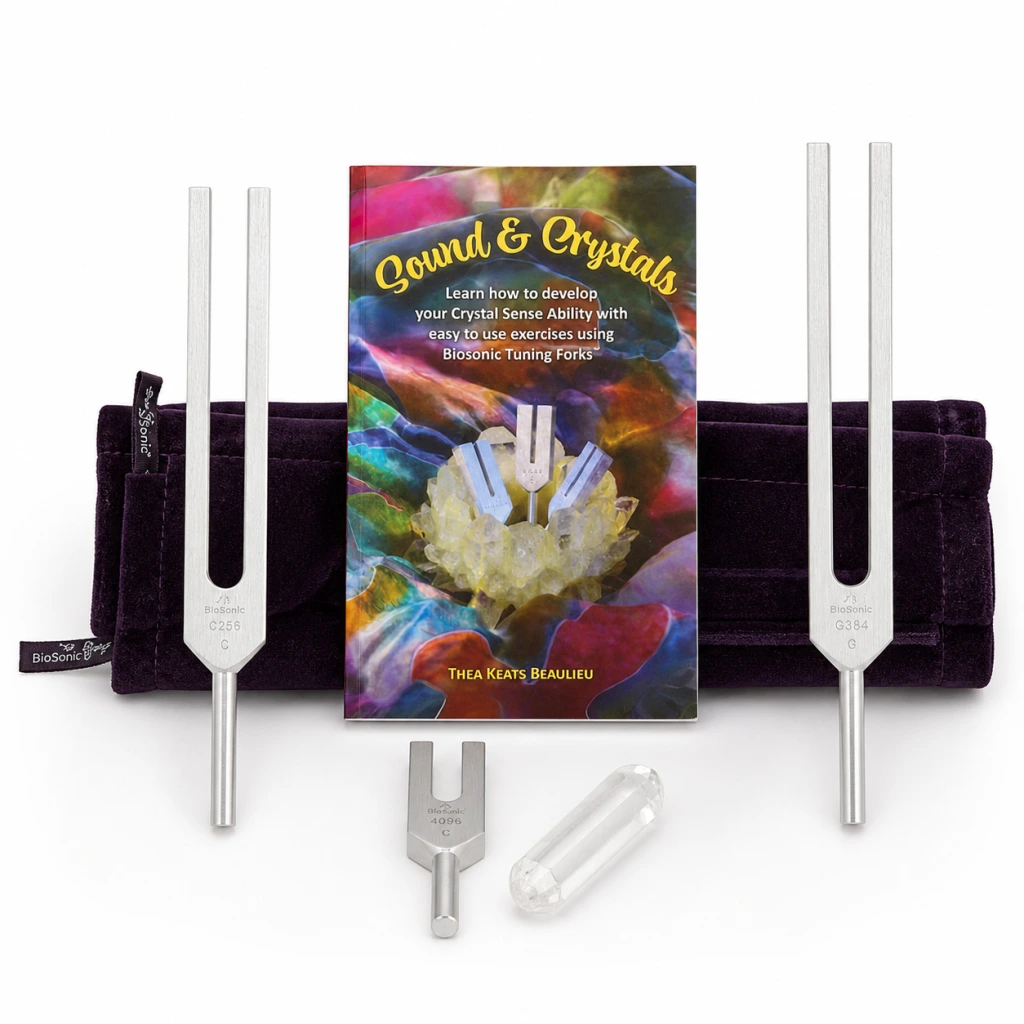
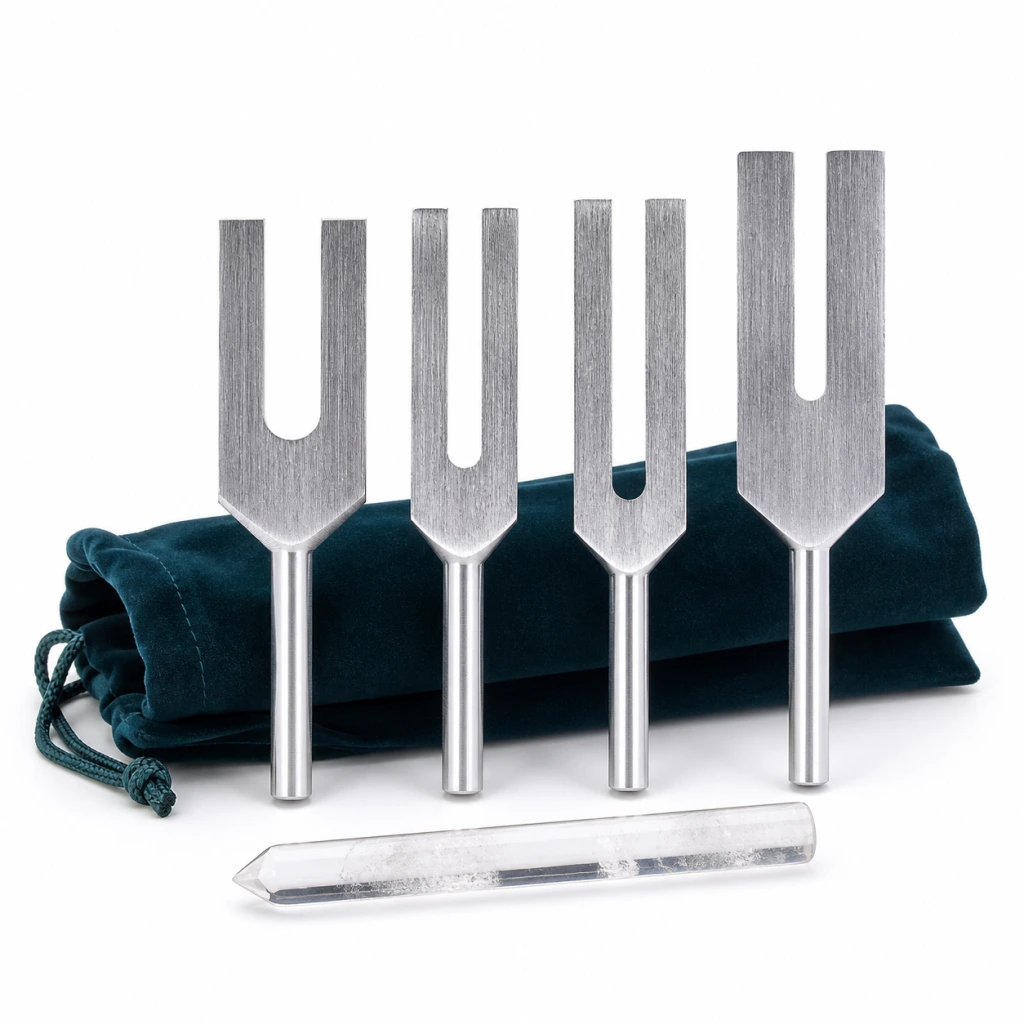
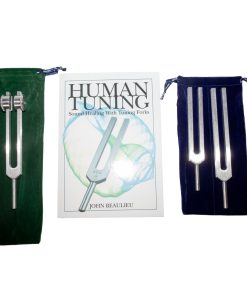
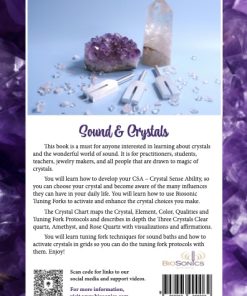
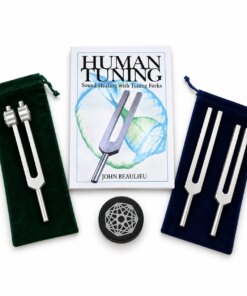
Sound & Crystals book starter pack- with the Body tuners Unweighted, Crystal tuner “4096”, & wand

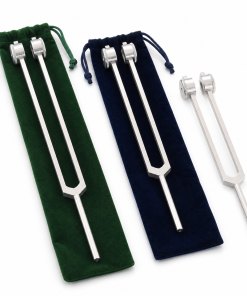
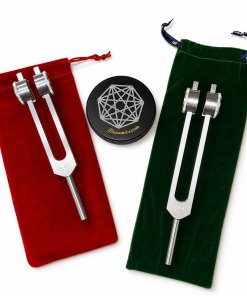
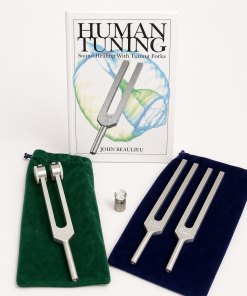
Beginner's Sets
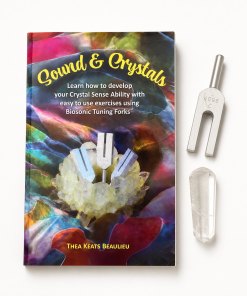

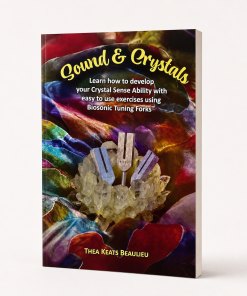
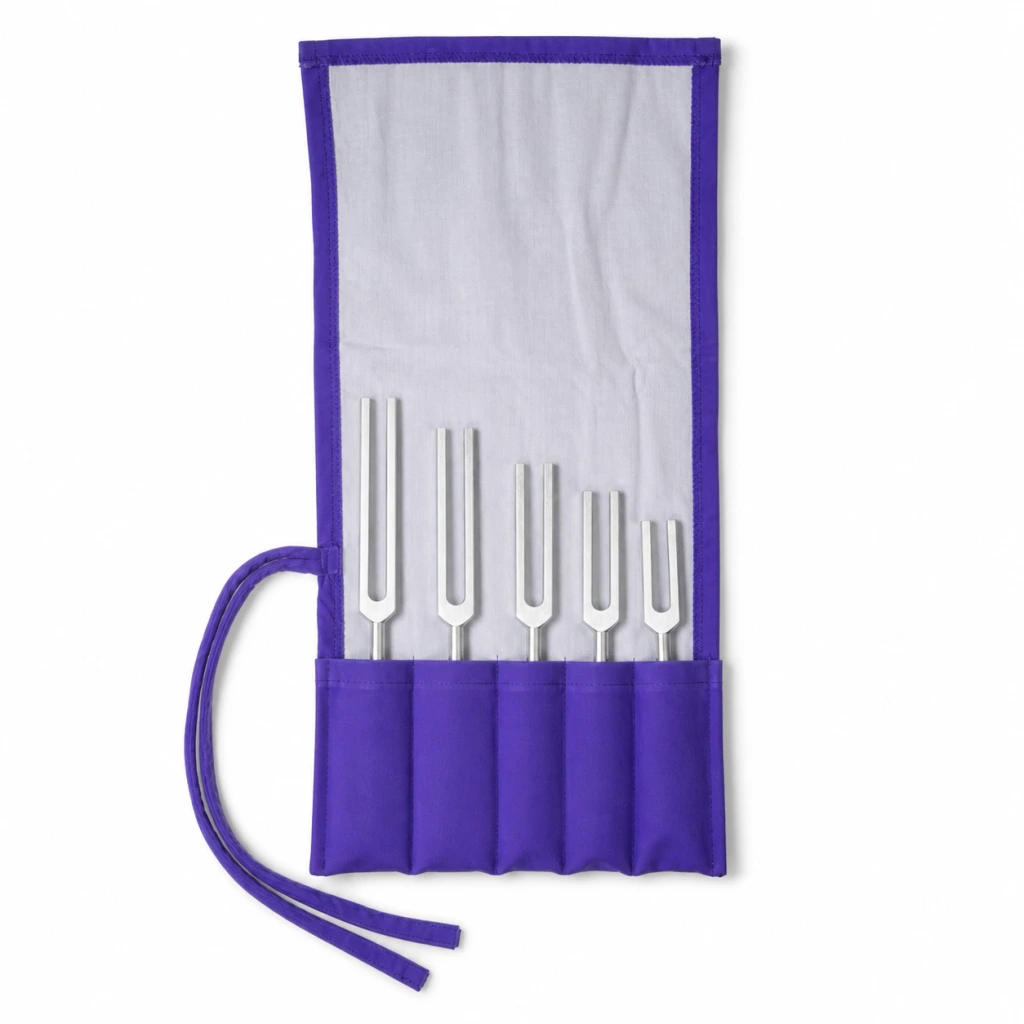
Angel Tuners


Biosonic Color Glasses
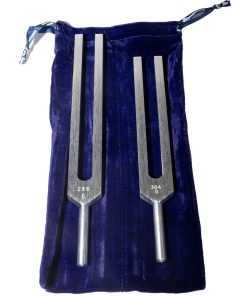
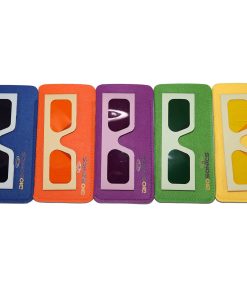
Color Glasses (set of 7) with the Body tuners “C256 & G384” (Unweighted)

Biosonic Color Glasses
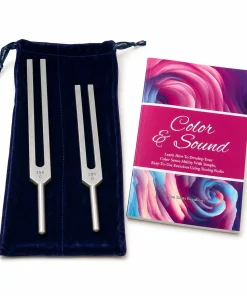
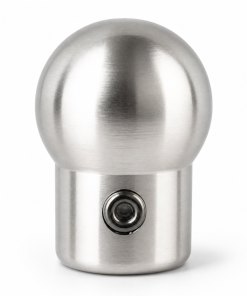
Crystal Gem Feet
Gem Foot- “Silver plated” (15mm) (does not include Otto Tuner)

Specials
A calm four-step foundation
Learn the basic rhythm of handling, activating, listening, and caring for a BioSonics tuning fork. Follow the instructions included with your specific fork or set.
Wrap your fingers around the smooth cylindrical handle. Keep both prongs free so they can vibrate without being dampened.
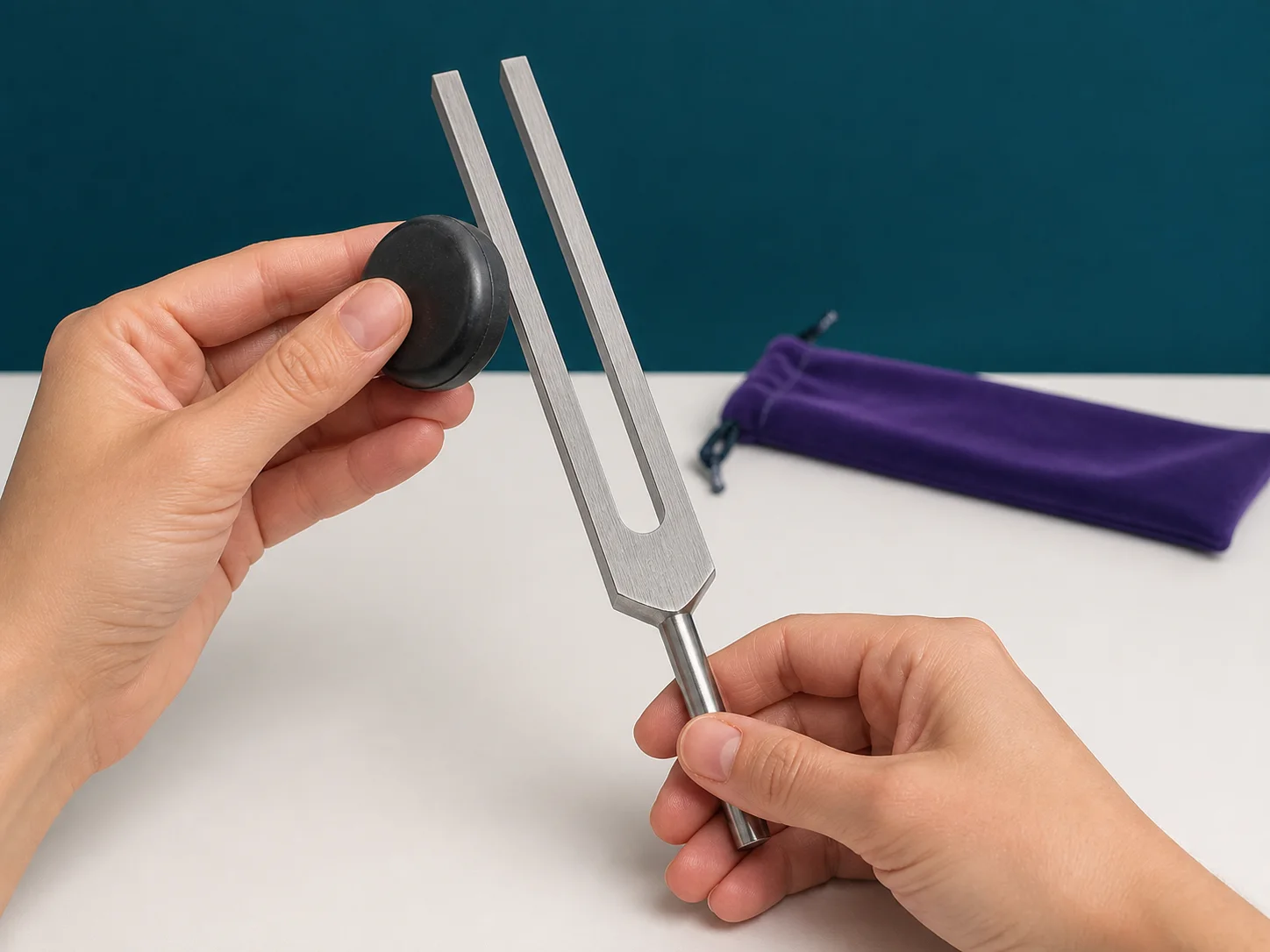
Use a light, controlled tap against a purpose-made rubber activator. Avoid hard surfaces, which can mark the fork or produce a harsh tone.
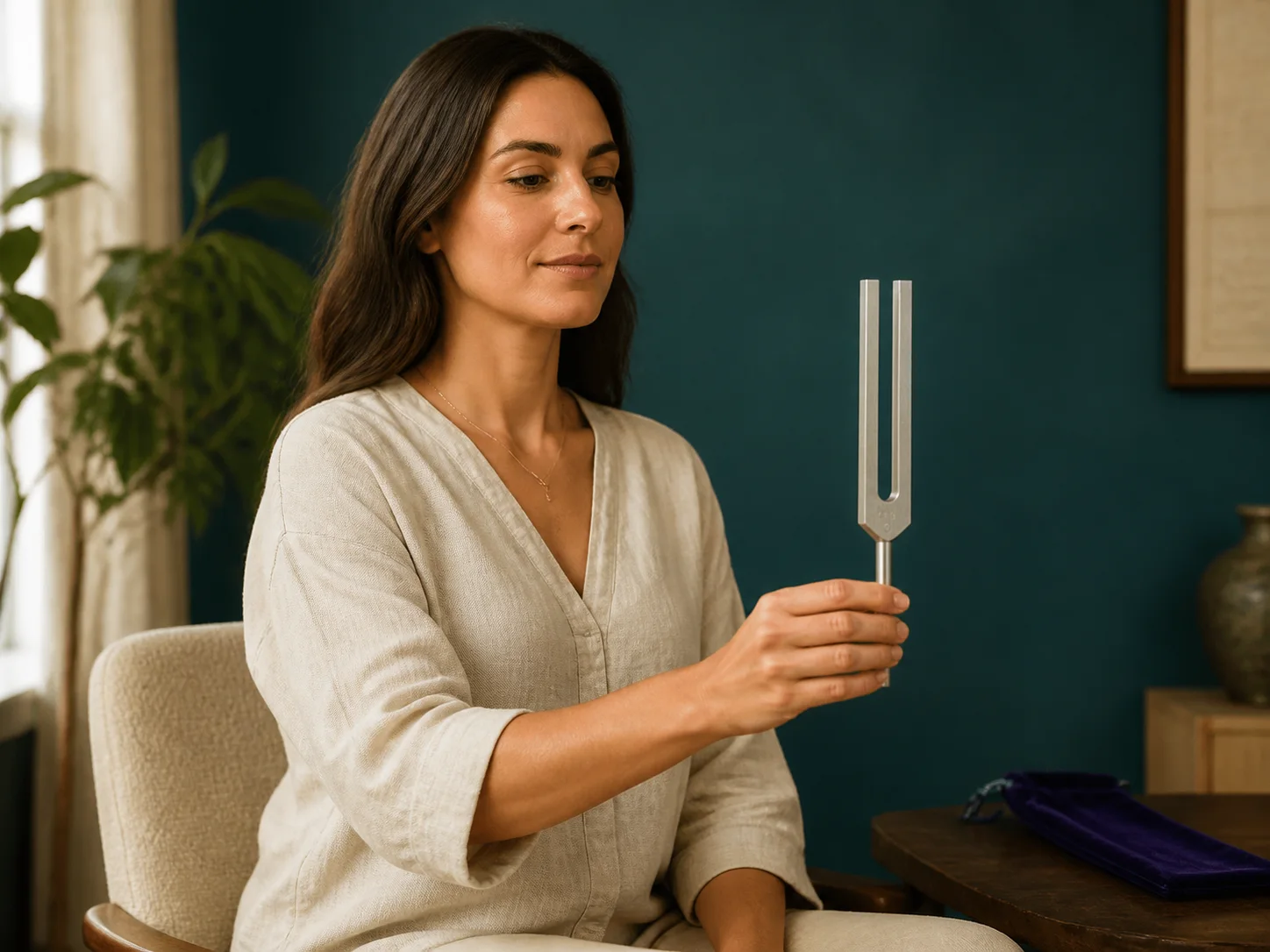
Bring the sounding fork toward your listening area gradually, without touching your ear, face, or body. Choose a comfortable distance and volume.
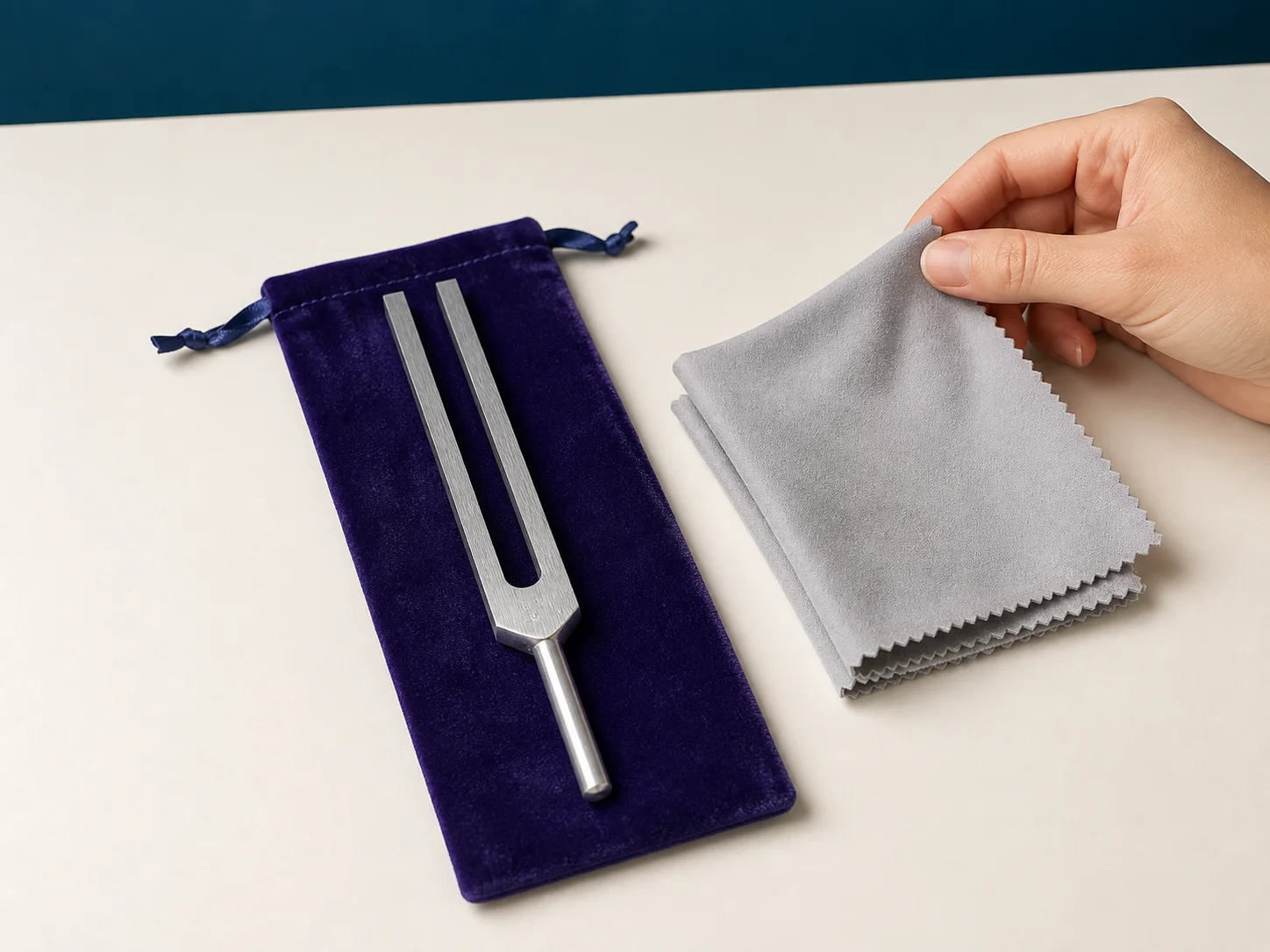
Let the tone fade naturally, wipe the fork with a soft dry cloth, and return it to its pouch. Follow the product instructions before using any cleaner.
Crystal tuner companion technique
Follow this careful sequence for pairing a BioSonics crystal tuner with a fused-quartz wand. The tapping motion and tool orientation follow BioSonics' published product instructions.
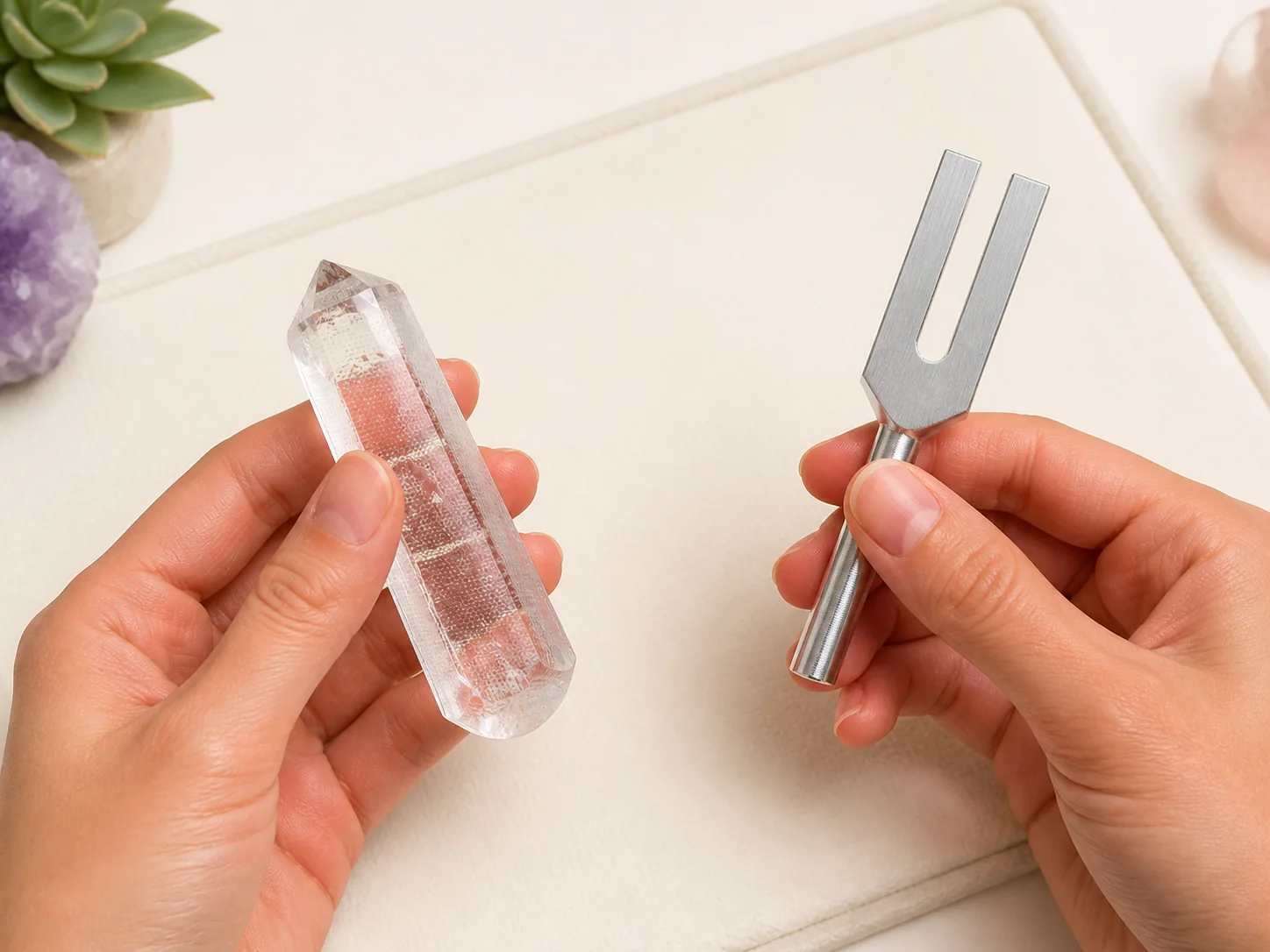
Hold the fused-quartz wand securely around its middle with the point facing safely away. Hold the crystal tuner only by its handle.
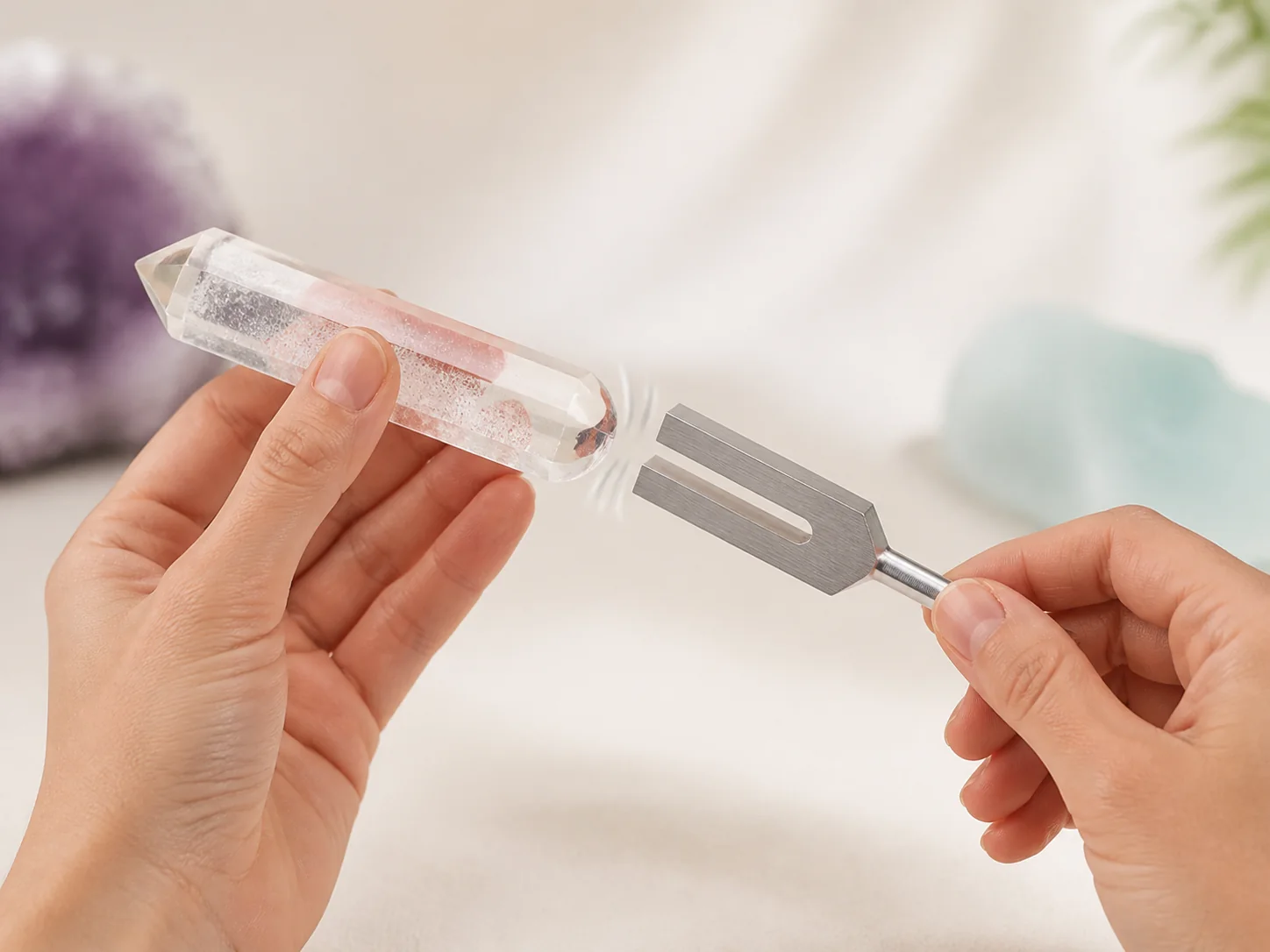
Use one light, controlled tap from the crystal tuner against the wand's smooth rounded end. Do not strike the pointed tip or use excessive force.
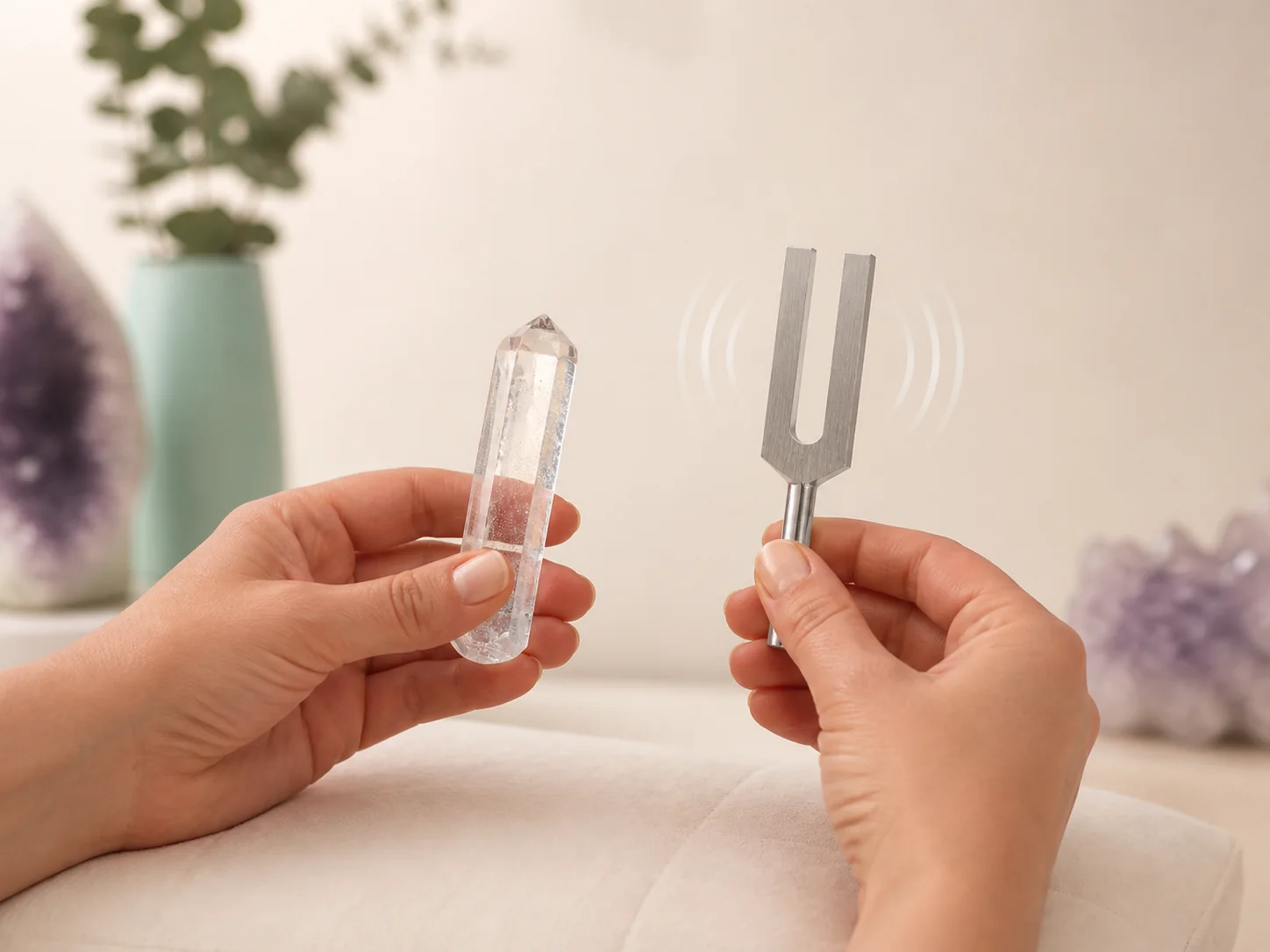
Separate the tools after the tap and listen as the tone opens and fades. Repeat gently only when you are ready for another sound.
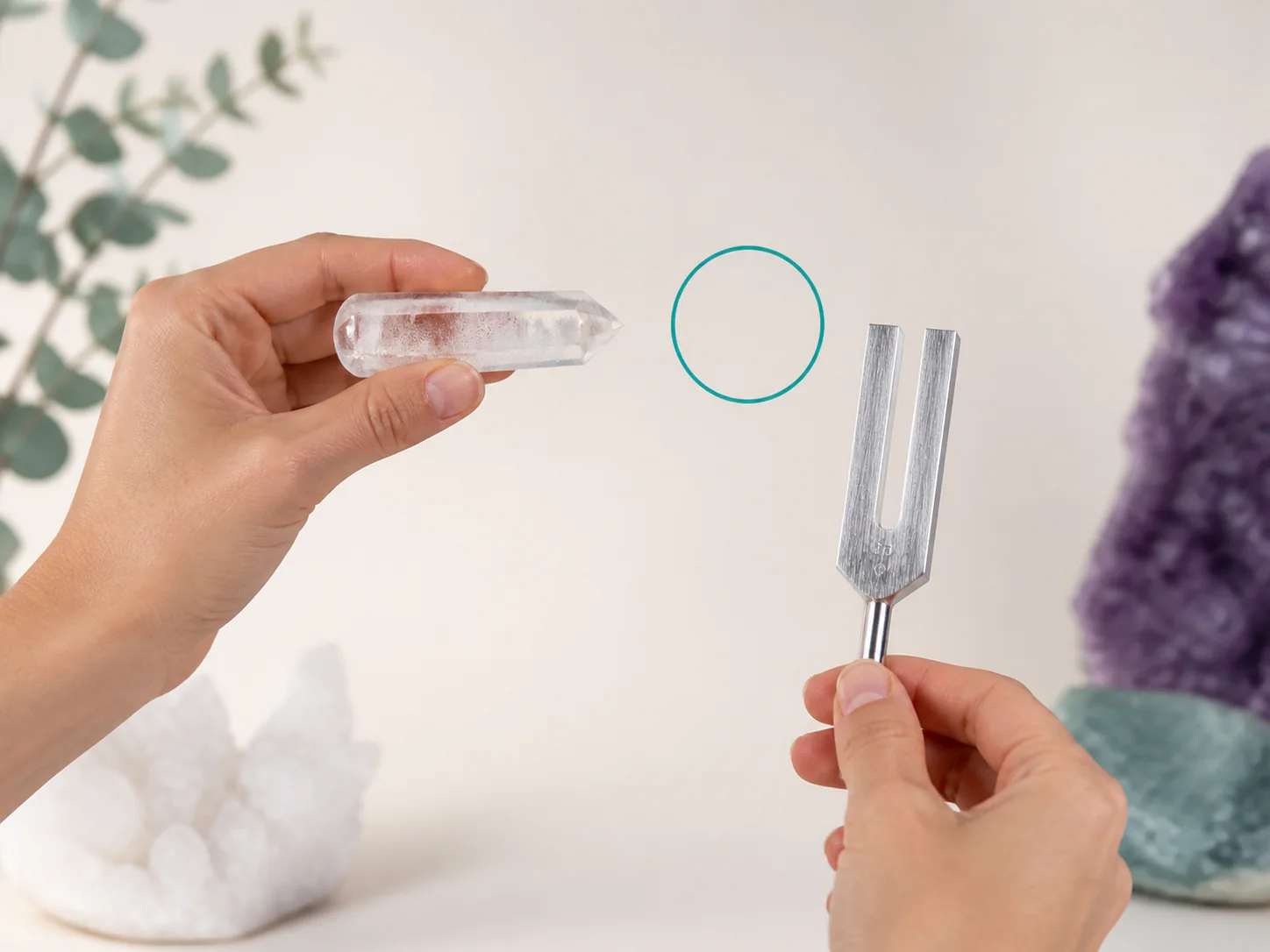
If you use the wand as a focus tool, keep it off the body and point it toward the intended area with a comfortable, visible gap.
Weighted Otto fork companion technique
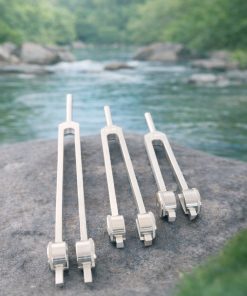
Follow the BioSonics setup sequence for fitting a Crystal Gem Foot to a compatible weighted Otto tuning fork, activating it gently, and using comfortable contact.
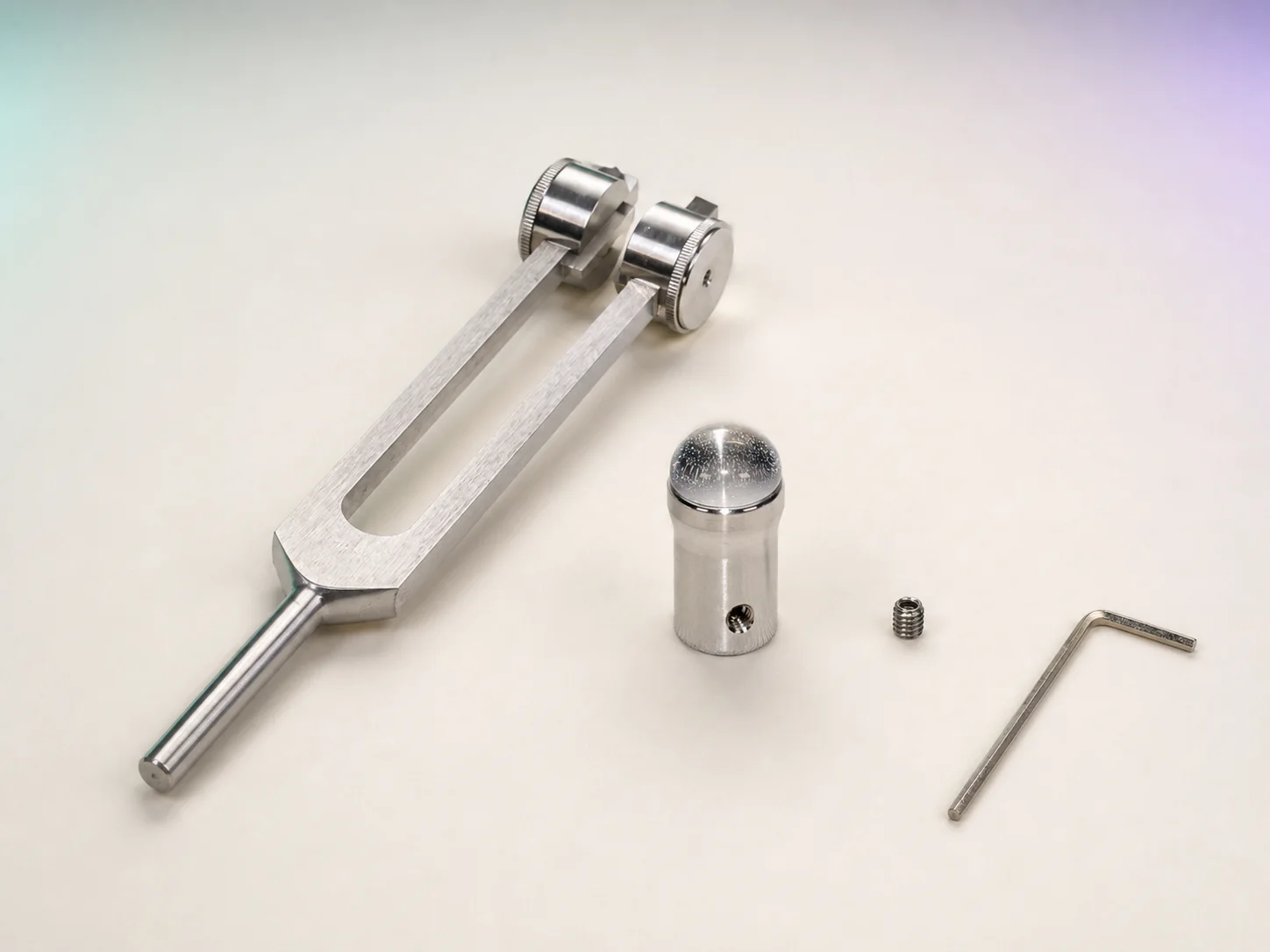
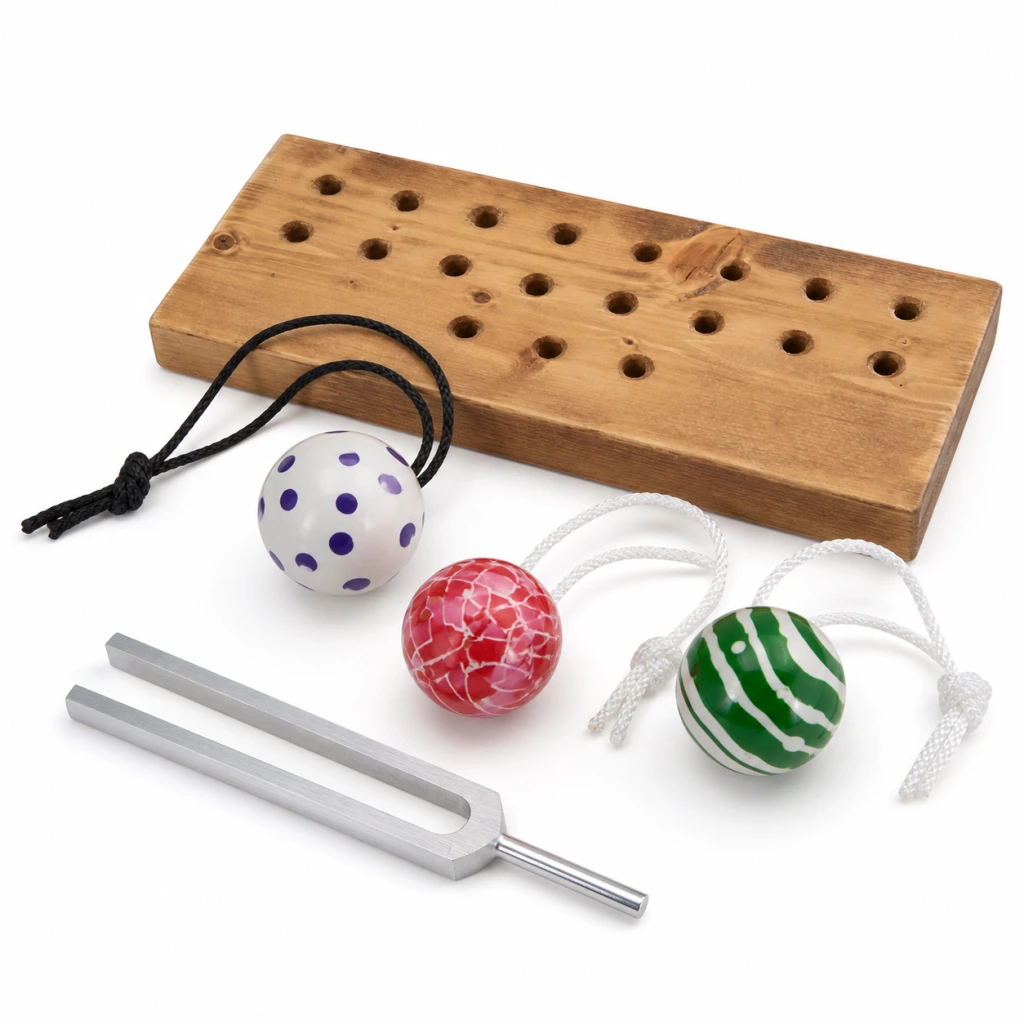
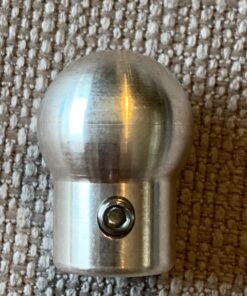
Use a BioSonic weighted Otto fork, a compatible Gem Foot, its small set screw, and the enclosed Allen wrench. Inspect each piece before assembly.
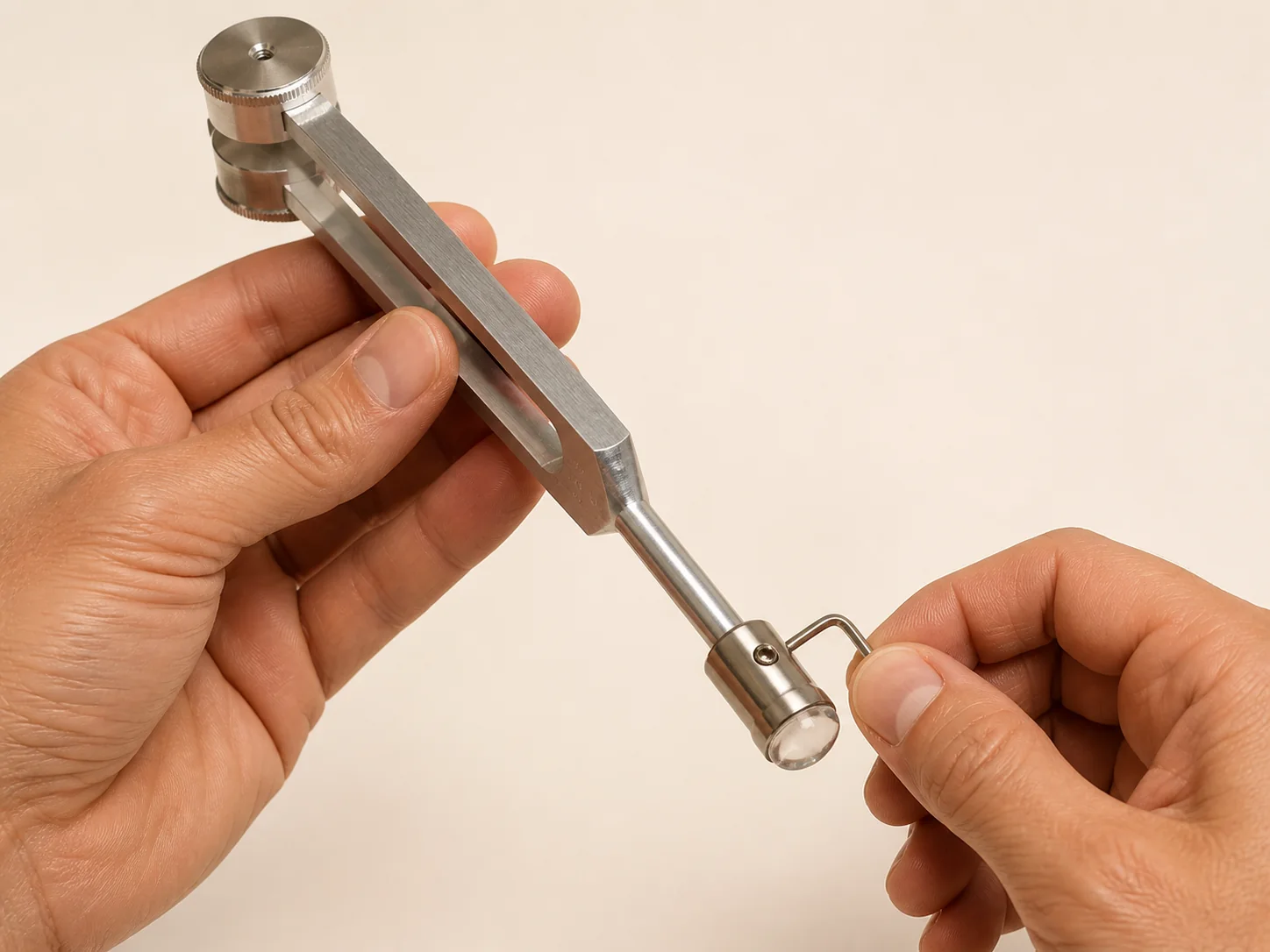
Slide the Gem Foot collar onto the fork stem. Seat it evenly, then use the Allen wrench to tighten the side screw gently until secure. Do not overtighten.
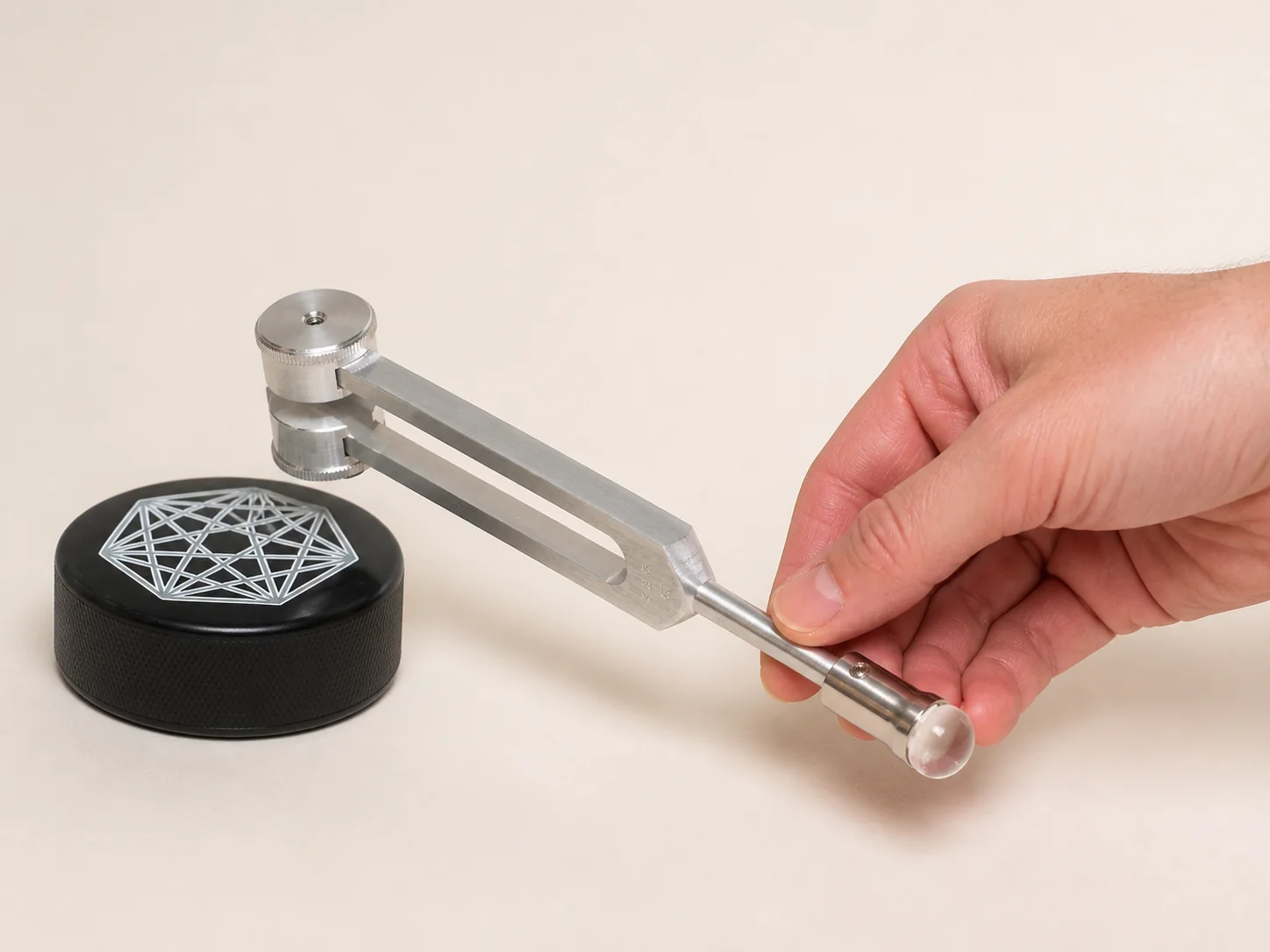
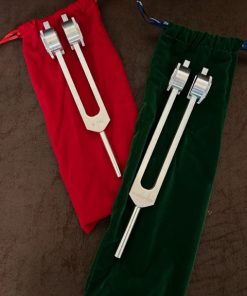
Hold the assembled fork by its stem and give one weighted end a light, controlled tap on a purpose-made rubber activator. Keep the Gem Foot off the activator.
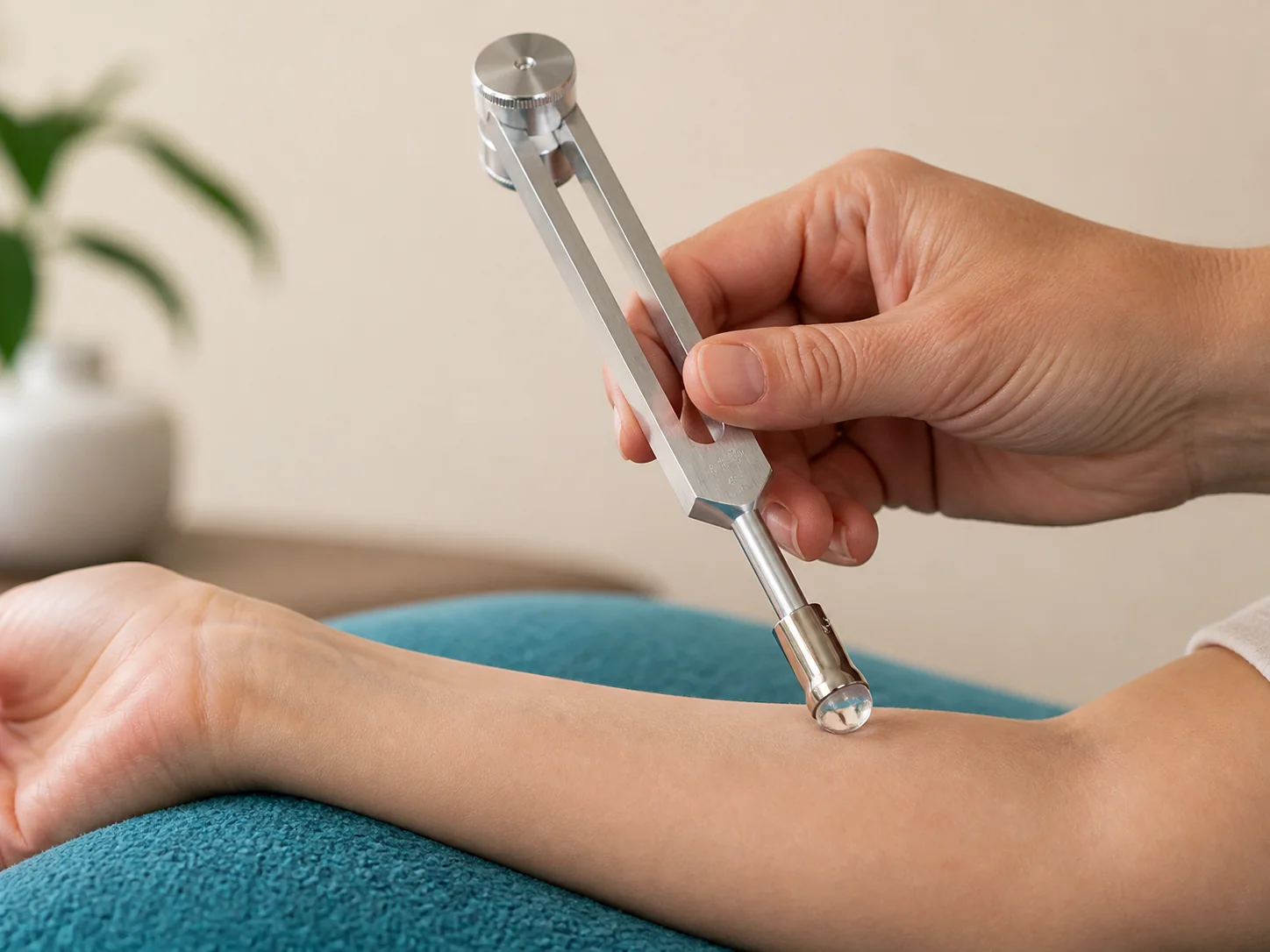
Rest the rounded Gem Foot gently against the intended contact point while the fork vibrates. Use light pressure, keep the fork steady, and stop if contact feels uncomfortable.
Continue learning
Explore frequency education, training, and customer support for your BioSonics tools.

Customer access
Simplified store
Start with a path, then narrow into product families only when needed.
Unified support
Find help by task: order support, policies, product learning, protocols, and training.
Send a technical report to the BioSonics developer. Do not include passwords, payment details, health information, or other sensitive information.

Ask about products, orders, classes, account tools, videos, podcasts, or the BioSonics knowledgebase.
Hello. I am Digital Dr. John, your BioSonics website concierge. How may I help?
Do not share passwords, payment details, security codes, or private health information.